Description
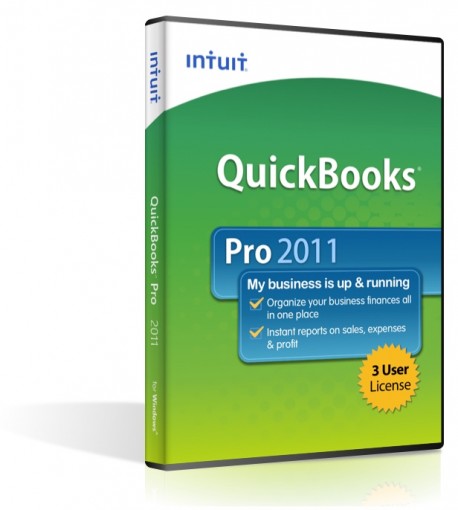
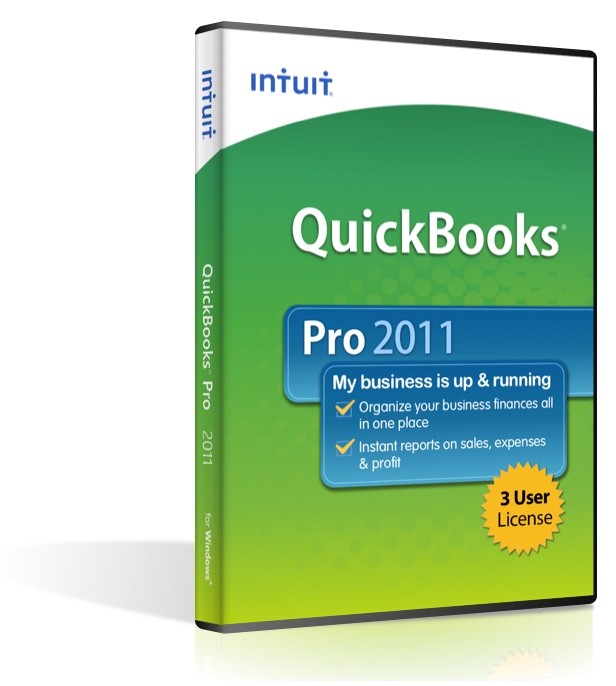
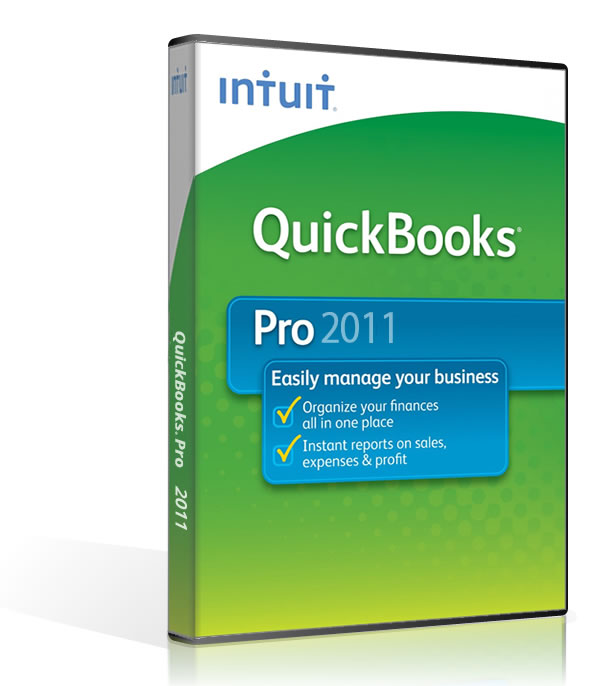
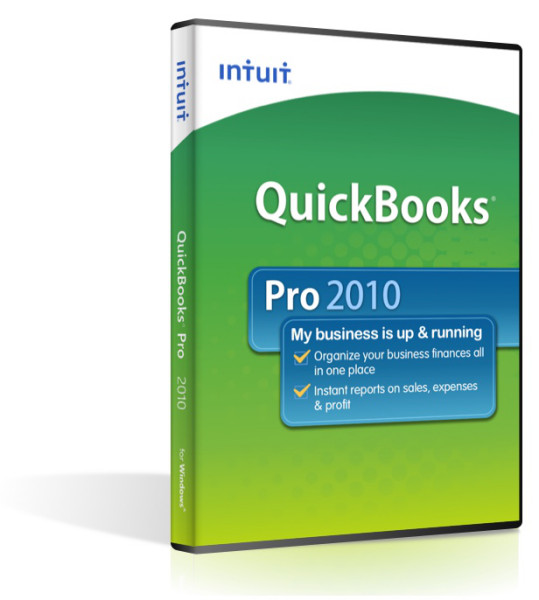
QuickBooks Pro 2011 makes accounting easy with tools to organize your finances all in one place. Complete tasks like payroll1, invoicing, bill tracking and check-writing. With one click, view past-due invoices or overdue bills. Or instantly see your entire account history with any customer or vendor.
With QuickBooks Pro, you’ll spend less time on routine tasks and more time on business.
• QuickBooks Pro helps you manage your business better, organize your finances, and create instant reports
• Easy to set up, easy to learn, easy to use--pick up new skills at your own pace with the built-in Learning Center
• Organize your finances all in one place--key business tasks are grouped logically so you know what to do next
• Manage customer, vendor, and employee data in one place--manage data easily, with quick access to related transactions
• New tools and features that give you faster access to the information you need and make your everyday tasks more efficient
New Features- Batch invoicing lets clients create a template once and invoice many customers at once
- Quickly prioritize customers with the new Customer Snapshot
- Quickly locate any account, report or invoice in QuickBooks Search
- Convenient access to customer or vendor's balance and transaction history
- Stay on top of receivables and email collection notices with Collections Center
- Send invoices and estimates right from business Yahoo!, Gmail or Hotmail account
- Keep track of vendors' remittance addresses with a convenient new field
- Mark which invoices have been paid with the Paid Date stamp
- What's Improved for QuickBooks 2011
• New Consolidated Reports
• Enhanced Built-In Reports - Improved Connected Services
• Intuit Payment Network
• QuickBooks Attached Documents
Compare Newer Features of
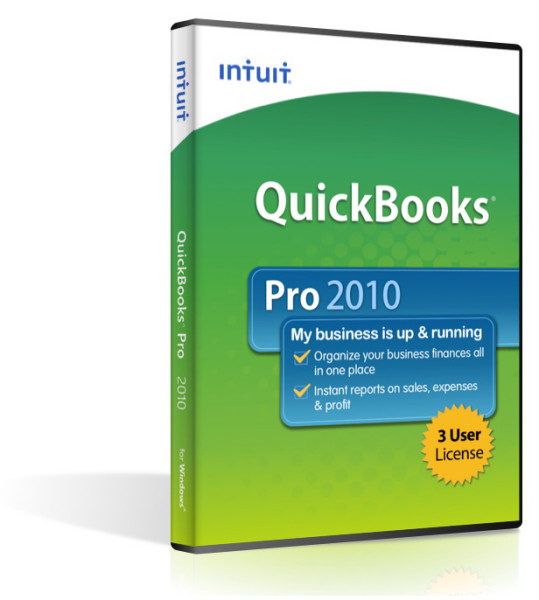
Quickbooks Pro 2010 (3 User)
- New Calendar View
With the new Calendar View in QuickBooks 2012, users can see at a glance scheduled To Do reminders, and key financial tasks in one dashboard. Viewing individual transactions or tasks are just a single click away. - QuickBooks users can now keep track of To Do tasks, multiple contacts, locations and notes when contacting leads.
- Tracking detailed company information, and multiple contacts per lead, can help with your prospecting efforts.
- New Document Center
With the new FREE Document Center (formerly called Attached Documents), QuickBooks users can scan[1] or drag and drop documents into a central document management storage on their local PC or Server. - New Lead Center
Every growing business has the need to track prospecting activities. New for QuickBooks 2012 is the Lead Center where following up with leads, tracking multiple contacts then converting leads to customers is just a few clicks away!
Software Compatibility Matrix
Tech Specs
Operating System
Windows XP,
Windows Vista
Windows 7
Windows 8
Windows Server 2003
Windows Server 2008
(May work on newer operating systems in Windows 7 compatibility mode, but this is not guaranteed)
Processor:
2.0GHz Pentium 4 processor; 2.4GHz recommended
RAM:
1 GB minimum for client
2 GB or more strongly recommended
Disk space:
2.5 GB (additional space required for data files)
Screen resolution:
Optimized for 1024x768 or higher; supports 800x600 using the Small Fonts setting in Windows Control Panel > Display settings
Minimum network requirements:
100 Mbps network card
100 Mbps switch or router
40 Mbps network bandwidth
Contents
- License Number/Software Installation Key
- Full DVD Package
- Activation Code
- Digital Manual on CD
Notes
Product Satisfaction Guarantee & Disclaimer:
This product may not be new. The product has been verified to be genuine and no longer in use by the previous owner.
We offer a Total Satisfaction Guarantee. If you are not satisfied with your purchase, for any reason, you can return your purchase within 14 days of the purchase date.
Some assistance may be required for activation of Pre-Owned products . If you have any issues activate this product please contact us.
Contents
- License Number/Software Installation Key
- Full DVD Package
- Activation Code
- Digital Manual on CD