Description
Product Features
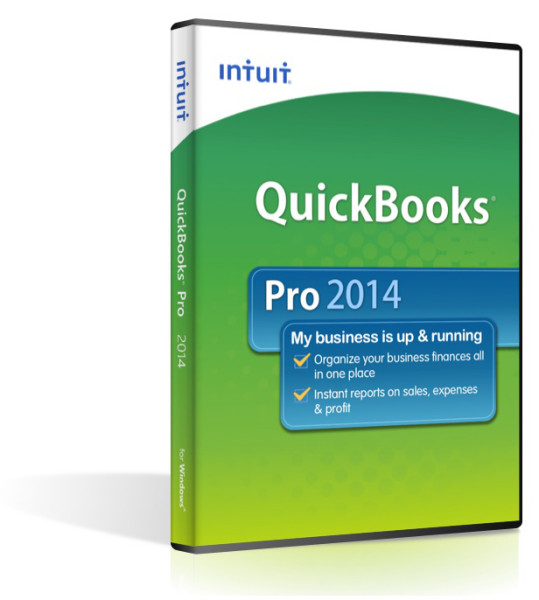
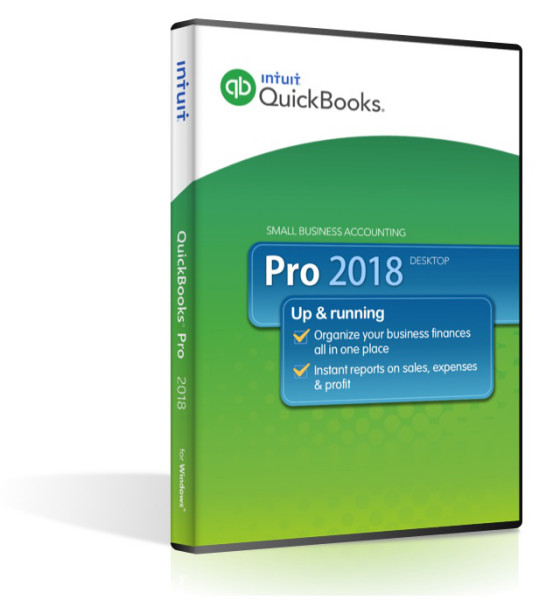
• Organize your business finances all in one place and save time on everyday tasks
• Easily create invoices and manage expenses
• Get reliable records for tax time
• Step-by-step set up, easy to learn and use
New to QuickBooks?
Easy to Set Up, Learn, and Use
• No accounting knowledge necessary
• Quickly import your data from a spreadsheet1
• Step-by-step tutorials show you how to create invoices, record expenses, and more
Organize Everything in One Place and Save Time on Everyday Tasks
• Manage vendors and expenses easily - enter, track, and pay bills
• Easily create and customize estimates, invoices, and statements
• Get complete and reliable records at tax time
• Download your online banking transactions directly into QuickBooks
Track How Your Business is Doing and Get Financial, Tax, and Sales Reports in One Click
• Get the information you need with easy-to-use reports
• View and manage income and receivables using the new Income Tracker
• Get a real-time snapshot of your business activities with Company Snapshot
New Features- Bill Tracker
Similar to the Income Tracker we already have. A dashboard feature that lets you see outstanding bills, item receipts, purchase orders and so forth. - Bulk Clear Send Forms
A simple way to clear the “Email later” flag from a large number of transactions, in one simple step. - Auto Copy Ship-To Address
If you create a purchase order from a sales order or estimate, you now have the option to carry over the ship-to address from the PO if you select an alternate address. Note that this will not be available in QuickBooks Pro. - This Fiscal Year-to-Last Month report filter
A new report date filter that people will find useful. - Rebuild Data and Verify Data Updated
When you verify or rebuild the QuickBooks company file, the program generates a great report on what has been fixed, and what cannot be fixed. - Custom Field Filtering on Item Reports
You now can filter a variety of item reports by custom fields. Note that Intuit initially said that that this is only going to be available in QuickBooks Enterprise, but early testing shows it in other editions. - Label Printer Support
You can now print labels on single roll continuous labels, rather than just page-oriented labels. - QuickBooks Statement Writer
If you have Microsoft Office 2013, then the QuickBooks 2016 installation program should patch your computer so that it will work with QuickBooks Statement Writer.
- Batch Delete/Void Transactions Utility
With this utility, any QuickBooks Desktop Accountant or QuickBooks Desktop Enterprise Solutions user logged in as Admin/External accountant will be able to remove multiple Invoices, Bills, and Check transactions in just a few clicks.
Compare Newer Features of
QuickBooks Pro 2017
- New search types added
The Customer Type and Vendor Type filters help you find customers and vendors faster. - Search as you Type
Search As You Type is an enhancement to the Type Ahead search feature in transaction forms. This enhancement lets you find item/account names that not only start with the typed characters but are also in the beginning of any word in the Item/Account name. - Improved multi-user mode
QuickBooks Desktop 2017 offers smoother experience to switch to single-user mode, with insight into who is still logged in and a real-time chat option to coordinate with users. Here are some of the new and exciting features available in the improved multi-user mode. - Easier amount search
Need to find a transaction with a number, but cannot remember the exact number? Use the In-between amount search to filter amount ranges. There are three ways to use the In-between Amount Search feature
- Enhanced selection of filters
QuickBooks Desktop 2017 has vastly improved the selection of multiple names for filters on reports. Filters that allow you to select multiple names, such as Customer, Item, Vendor, or Account filter, have an improved user interface. This allows you to easily select or de-select all names and find individual names. - Deposit Notification
In QuickBooks 2017, you can see if you have a payment waiting for deposit with a red notification in the Banking section of your QuickBooks Home screen. - Track Credit Card status
Now you can see when a credit card charge has been reconciled with a “Cleared” stamp right on the transaction.
Software Compatibility Matrix
Tech Specs
Operating System
Windows 7
Windows 8
Windows Server 2008
Windows Server 2012
Windows Server 2016
Processor:
2.4+ GHz recommended
RAM:
4 GB minimum, 8 GB Recommended
Disk space:
2.5 GB (additional space required for data files)
Software compatibility
QuickBooks is capable of integrating with hundreds of third-party applications. The following Integrations are provided with QuickBooks; additional RAM will enhance the use of these features. See Intuit Marketplace for the most up-to-date list.
• Microsoft Office:
▪ Office 2016 (including Outlook 2016) both on 32 and 64-bit
▪ Important: Only QuickBooks 2016 R7 and later and Enterprise 16.0 R7 and later is compatible with Office 2016.
▪ Office 2010 and Office 2013/365 (including Outlook 2010 and Outlook 2013) both on 32 and 64 bit. (Note: Office 365 is only supported when it is locally installed, not the web version.)
▪ Preparing letters requires Microsoft Word 2013, 2010, or 2007 (32 bit)
▪ Exporting reports requires Microsoft Excel 2013, 2010, or 2007.
▪ Contact Synchronization with Microsoft Outlook requires Outlook 2010, or 2007 (32 bit).
▪ Synchronization with Outlook requires QuickBooks Contact Sync for Outlook (the download is available at no charge). Contact Sync does not work with the Microsoft Business Contact Manager Outlook plug-in. If a sync is performed, duplicate records could result
• QuickBooks Point of Sale 2014 (V12.0), V11.0 , V10.0 (applies to US only)
• Adobe Acrobat Reader: Business Planner functionality and viewing forms requires Adobe Acrobat Reader 5.0 or later.
• Payroll and other online features and services requires Internet access with at least a 56 Kbps connection speed (DSL or cable modem recommended).
• TurboTax 2016 and 2014 (Personal and Business)
• Lacerte 2016 and 2014 (applies to US only)
• Pro-Series tax years 2016 and 2014 (applies to US only)
• QuickBooks for Mac 2016 (applies to US only)
• Gmail, Yahoo Email, Windows Mail, Hotmail and AOL.
• Internet Explorer 11, 10, and 9.
Contents
- License Number/Software Installation Key
- Full DVD Package
- Activation Code
Notes
Product Satisfaction Guarantee & Disclaimer:
This product may not be new. The product has been verified to be genuine and no longer in use by the previous owner.
We offer a Total Satisfaction Guarantee. If you are not satisfied with your purchase, for any reason, you can return your purchase within 14 days of the purchase date.
Some assistance may be required for activation of Pre-Owned products . If you have any issues activate this product please contact us.
Contents
- License Number/Software Installation Key
- Full DVD Package
- Activation Code