Description
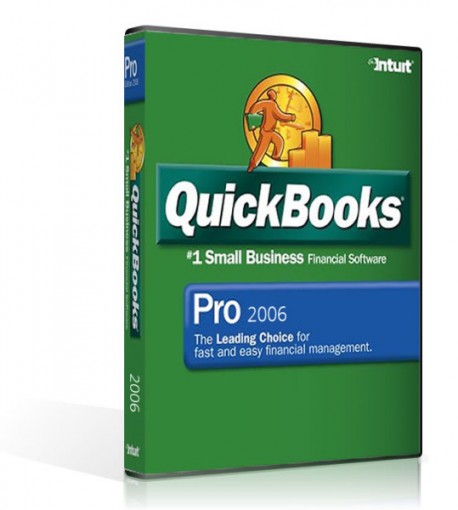
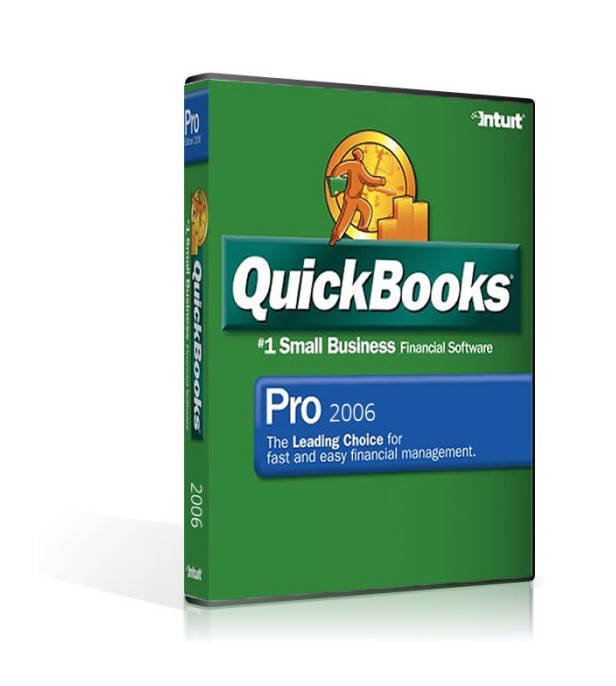
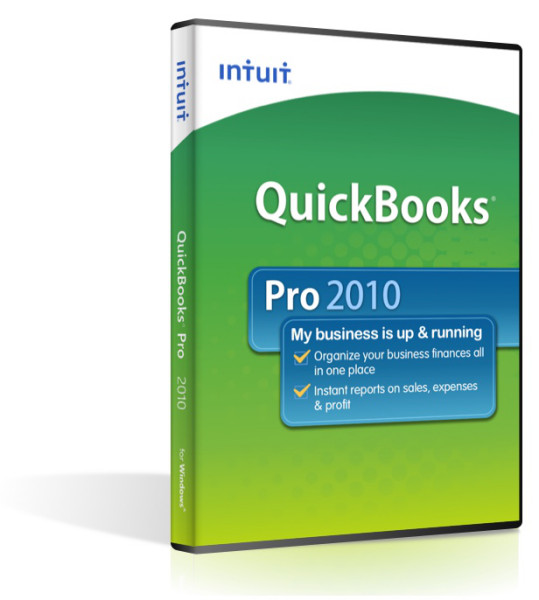
QuickBooks: Pro 2006 is the leading choice of small businesses for fast and easy financial management. Track money going in and out of your business more accurately. Routine tasks like payroll, invoicing, tracking bills and check-writing can be done in minutes instead of hours. With the click of a button, you can see past-due invoices or overdue bills. Or instantly see your entire business relationship with any customer or vendor. If you ever want to get in touch with them, all the contact information you need is right at hand. Also at your fingertips are invaluable customized reports. These reports let you slice data any way you wish. You’ll see what’s really going on with your business in a way never before possible. Isolate expenses. Identify your largest customers. Track your areas of biggest growth. The possibilities are endless. And when you need to share your data, you can easily import and export from Microsoft Excel and a number of other programs. QuickBooks Pro helps you enhance your professional image as well. You can customize and print professional forms. Easily add graphics and personal messages. Seamlessly print letters and envelopes with Microsoft Word. QuickBooks gives you the time, resources and knowledge you need to grow your business like never before.
QuickBooks Pro 2006 include the following:
• Boost efficiency-Get direct access to key tasks and information from the new simplified Home Page.
• Share data-Synch with Microsoft Office applications, including Excel, Word and Outlook, to save time and reduce errors.
• Manage customers, vendors, and employees easily-Get access to contact information, balances and transactions
all in one simple screen in the Customer Center, Vendor Center, and Employee Center.
• Start fast and get help when you need it-Get built-in tutorials and onscreen help. Start fast and get help when you need it, with built-in tutorials, onscreen help, and free QuickBooks callback support for 30 days following registration.
• Get all the tools you need in one package-Pay bills, print checks, track expenses, manage payroll, create customized estimates, invoices, purchase orders and reports... track time, job costs, and more.
• Organize everything in one place-Including sales, expenses, business loans, and more.
New Features- New Customer Center that puts all your important customer information in one simple screen.
- New Vendor Center that shows all your vendors and what you owe them in one simple screen.
- New Employee Center that shows all your employees and what you’re paying them in one simple screen.
- New simplified Home page helps you get to your key activities in two clicks.
- The leading choice of small businesses for fast and easy financial management.
Compare Newer Features of
Quickbooks Pro 2008
- Improved Program Launch Speed
The program launch speed is somewhat improved in QuickBooks version 2008. In our non-scientific test it took 1 minute 15 seconds to open QuickBooks Premier: Accountant Edition 2006. In the same environment using QuickBooks Premier: Accountant Edition 2008 it only took 50 seconds. The 25 second increase translates to a 33% increase in speed. For QuickBooks Enterprise Solutions the difference was even more dramatic: 45 sections to open Enterprise Solutions 6 and only 5 seconds to open Enterprise Solutions 8. Obviously hardware specifications, other software currently running on the system, etc. will all effect results dramatically for individual users. - Accountant's Copy Enhancements
This feature is available in QuickBooks Premier Accountant Edition 2008 and Enterprise Solutions 8.0.
The main purpose of the Accountant's Copy, is to create a separate copy of the client data file that allows the accountant to make changes while the client continues working in the original data file. Then, when the accountant finishes, the changes he or she made are "imported" back into the client's original data file. - Dividing Date
To expand the accounting professional's access to the client QuickBooks data, QuickBooks (version 2007 and above) allows the client to add a "dividing date" to the Accountant's Copy. When clients create an Accountant's Copy, they enter a date – such as 12/31/2007. The accountant can make significant modifications to the file that affect the General Ledger data before the dividing date and the client can continue to work in the file with few restrictions as long as the entries affect the General Ledger after the dividing date. - Online Data Transfer Option
With QuickBooks 2008, you can now transfer the Accountant's Copy of the data file over a secure Internet connection that uses Intuit servers. When you create the Accountant's copy, there are now two options: - New Customer Credit Card Protection Features
QuickBooks has implemented a Payment Application Best Practices (PABP) as it relates to credit card security. This feature can be turned on to meet the PCI requirements for securely handling and storing credit card information. As part of the process, QuickBooks will be certified by an independent auditor to be PABP compliant. - Remote Access via Webex Improvements
Remote Access using Webex in QuickBooks 2008 has several enhancements including:
Launching the Remote Access feature has moved to a different menu. You now access it via File > Utilities > Remote Access in QuickBooks Pro. - Outlook Integration
One of the biggest frustrations for QuickBooks users who e-mail forms (invoices, purchase orders, etc.) has been tracking when the forms were sent and accessing the original message. For example, when an invoice is e-mailed, the information is displayed in the history until the invoice is e-mailed again or a payment is received against it. After either of these events occurs, the information is replaced with the more recent e-mail date or payment history. With 2008, there is a new preference to e-mail forms via Outlook or Outlook Express as shown in Figure 6. This allows you to send forms through your own email system where you can track and manage the communication better. - Excel List Import Improvements
This feature is available in QuickBooks Pro 2008 and higher.
The Excel import for customer, vendor, and items has remained virtually unchanged since it was originally released with Version 2004 - Invoice List for Time and Expenses
New with 2008 is a new way for invoicing time and expenses from a list that shows the dollar amounts outstanding for a specific date range.
- Merchant Services Enhancements
In the past, processing credit card payments from customers via QuickBooks was a single step which combined both the authorization and the actual charge to capture the funds. This is still true when the Receive Payment option is chosen. For a wide variety of reasons, QuickBooks users often want to obtain the authorization to ensure that the funds are available and then later actually process the charge to capture the payment (for the same or a different amount) once the services are performed or the goods have been shipped. New with 2008 is the ability to do just that.
Software Compatibility Matrix
Tech Specs
Operating System
Windows 98,
Windows 2000
Windows XP
Windows Server 2000
Windows Server 2003
(May work on newer operating systems in Windows XP compatibility mode, but this is not guranteed)Processor:
500 MHz Intel Pentium II
RAM:
512MB minimum for client
1 GB or more strongly recommended for server
Disk space:
800 MB (additional space required for data files)
Screen resolution:
256-color SVGA monitor with a resolution optimized for 1024x768 (800 x 600 minimum supported) with 96 DPI size fonts (called "Normal fonts" in Windows XP and called "Small fonts" in Windows 2000).
Minimum network minimum requirements:
100 Mbps network card
100 Mbps switch or router
40 Mbps network bandwidth
Contents
- License Number/Software Installation Key
- Full DVD Package
- Activation Code
- Digital Manual on CD
Notes
Product Satisfaction Guarantee & Disclaimer:
This product may not be new. The product has been verified to be genuine and no longer in use by the previous owner.
We offer a Total Satisfaction Guarantee. If you are not satisfied with your purchase, for any reason, you can return your purchase within 14 days of the purchase date.
Some assistance may be required for activation of Pre-Owned products . If you have any issues activate this product please contact us.
Contents
- License Number/Software Installation Key
- Full DVD Package
- Activation Code
- Digital Manual on CD