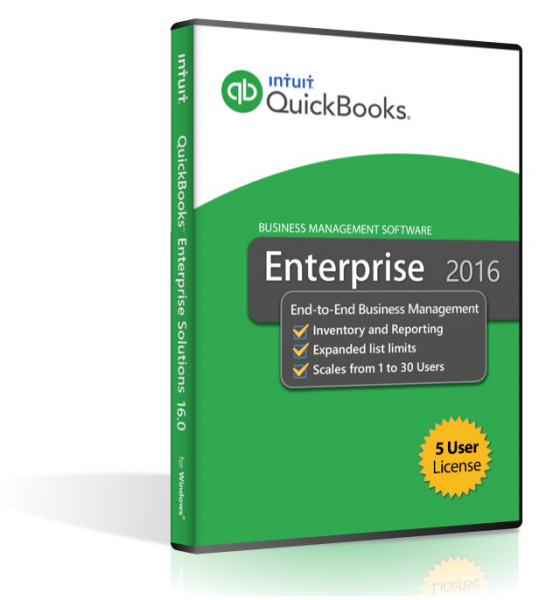
Description
More room to grow for users and data.
Enterprise offers far more capacity than Pro or Premier
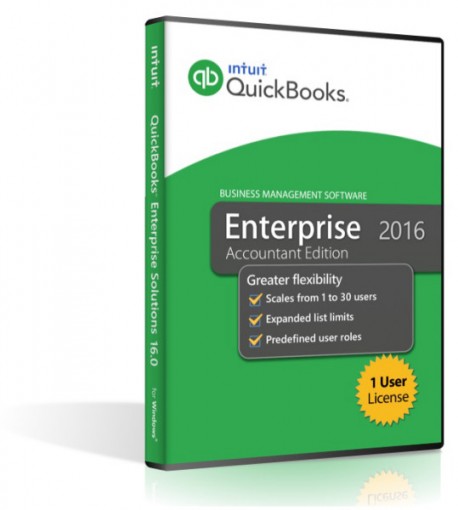
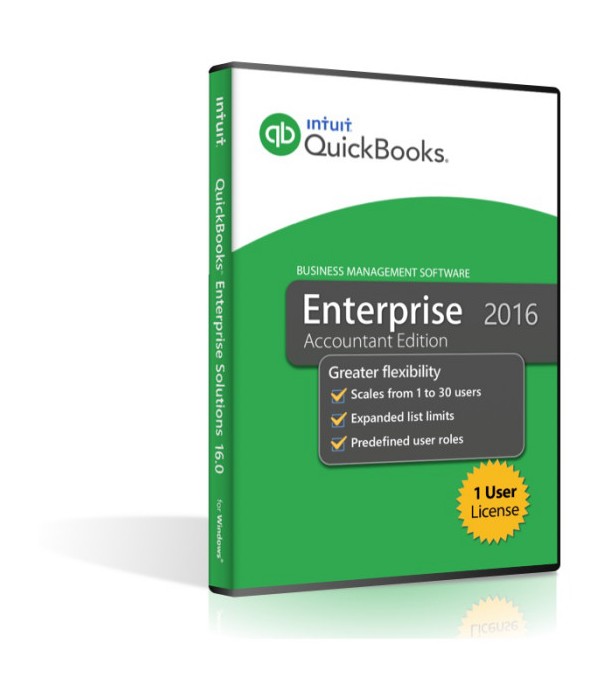
6x more capacity. Track hundreds of thousands of customers, vendors, inventory items, and more. Enterprise also scales from 1 to 30 individual users. Fourteen predefined user roles will help you set up new users quickly.
Our most powerful reporting tool - only in Enterprise.
Enterprise comes with our most powerful reporting tool
Advanced Reporting. Find the right report fast with templates bundled for manufacturing, wholesale, contractor, and retail. Save time with templates auto-filled with your company data. Plus, find the reporting answers you need, when you need them with our robust help portal.
Exclusive inventory and pricing tools.
With Advanced Inventory, Enterprise offers the most advanced inventory management functionality QuickBooks has to offer. You can track items to specific bins within a warehouse, scan barcodes to enter data fast, easily set up FIFO inventory costing, and more.
New Features- Bill Tracker
Bill Tracker gives you a dashboard view of vendor-related expenses.
-Track all vendor-related bills in a single window
-See which bills are overdue at a glance
-Take immediate action on any and all open items - Sort on Columns in Payment Screen
You can now click on any column header in the Customer Payment screen to sort the displayed data. This might be helpful if you are looking to select a series of sequential invoice numbers that are out of order based on their dates. - Bulk Clear Send Forms
Bulk Clear Send Forms allow you to select and remove multiple forms from the send queue. If the “Send Later” box was checked when saving a form such as an invoice or a purchase order, your send queue can become quite large. The Bulk Clear Send Forms feature allows you to check off the forms you want to remove from the queue and click the Remove button once. This feature is accessible by clicking on File, Send Forms. - Fiscal Year-to-Last Month Report Filter
The Fiscal Year-to-Last Month report filter can be selected when customizing financial reports. - Batch Delete/Void Transactions
The Batch Delete/Void Transactions feature will save you and your accountant time.
This feature allow you to
Filter transactions to find the correct ones to delete or void
See which transactions are linked to others before deleting them
Safeguard your data with integrated backup - Continuous Feed Label Printer Support
Continuous Feed Label Printer support allows you to print single labels with a Zebra-compatible printer from any of the following lists and filters
Names List (all names including customers, vendors, etc.)
Filter for Customer Type
Filter for Vendor Type
Print Bar Codes (QuickBooks Enterprise with Advanced Inventory)
Filter for Zip Codes that begin with the first 3 numbers - Auto Copy Ship-To Address
When creating a purchase order from an estimate or a sales order, there is a new option to place a check mark in the Drop Ship to Customer on the Create Purchase Order Based on the Sales Transaction window.
Checking this option will populate the Ship To address on the purchase order with the customer ship to address from the sales transaction. - Filter for Custom Fields in Item Reports
When running item related reports in QuickBooks 2016, you can now use the custom fields to filter your data. For example, if Color is a customer field and you want to display only the Red items in your item report, you can select Color as a filter and set that filter value to Red. The report will now display only items that have the value Red in the Color custom field.
Compare Newer Features of
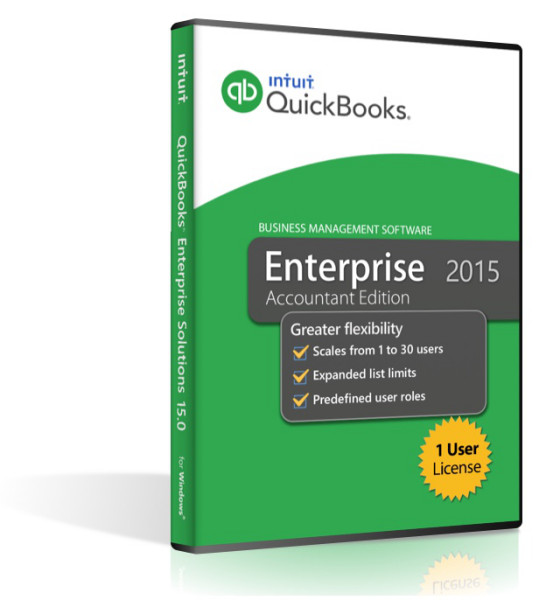
Quickbooks Enterprise 2015 - 1 User
- Prevent Negative Inventory
In my way of thinking this is not only the biggest improvement for 2015 in QuickBooks Enterprise, but one of the biggest improvements of ‘all time’. Now if Intuit would make this same ‘preference’ available for ‘all versions’ of QuickBooks (not just Enterprise). QuickBooks has historically allowed you to sell more of an item than you had in stock. When this happened, the item's quantity went negative, and that had long-term ramifications on an item's average cost. - Advanced Reporting
New for 2015 is a new feature called Advanced Reporting that provides sophisticated reporting with capabilities exceeding the ODBC reporting tool Intuit has made available for the last few years. While rumors had it that Advanced Reporting might be like the Enterprise Advanced Inventory and Advanced Pricing add-on subscription features - Assembly Shortage Report
Building assemblies in QuickBooks requires all of the parts to be on-hand; the Build Assembly window would show you how deficient you were for a specific number of Assemblies you wanted to build, but actual reporting on the status of Assembly required components was minimal. - Choose Active or Inactive Names on Name-based reports – new for 2015 is a feature that allows you to select Active Status of All, Active or Inactive from a drop-down field when you select Name from the list of filters on Name-based reports. By the way you will also notice that the filters list has been alphabetized for 2015, another subtle enhancement.
- Display manufacturer’s part number (MPN) on Sales Transactions
you can now format any sales forms to add a column for the manufacturer’s part number (MPN) either on-screen and/or on the printed version of the form. This option is selected from the Columns tab of the Additional Customization for your various templates (figure 2). You can also search for the MPN from the Search dialog box found in the new Search tab (also a new feature), QuickBooks will find the item with the corresponding MPN. This might best be used if you happen to work with transactions that occupy several pages. This option is selected from the Columns tab of the Additional Customization for your various templates. - Do not allow Sales to Overdue Customers
this is another one of my ‘functional favorites’. There is a new preference that restricts sales when a customer has an overdue balance. The feature works exactly as described, it is NOT forgiving; and at present you cannot create any ‘parameters’ whereby it does or does not restrict sales if you have enabled this preference. Because the preference is ‘global’ it can only be set by an Administrator in Single-user mode, you may want to seriously consider if you should or should not turn this preference on - New Visual Alert for Time/Expense data
if you select a customer
job in the create invoices window that has time, expenses or items associated with it, QuickBooks will display a new visual alert showing you how many different items there are in the various tabs. (Such as
6 on the Time tab, 3 on the Expense tab, etc.) As a ProAdvisor I use the Time/Expense billing feature a lot, and this will really help me avoid missing some billable items - Total Columns on Forms
users can now total any numeric column, including custom fields, on all forms that presently permit a sub-total item to be used. To total a column on a form you must first create a sub-total item that is relevant to what you want to sub-total. For example you might want to sub-total ‘Total Quantity
Software Compatibility Matrix
Tech Specs
System Requirements and Compatibility
Operating System
Windows 7, 8, and 10 (32 and 64-bit)
Windows Server 2008, 2008R2, 2012 and
Small Business Server 2008 and 2011 (64-bit)
Processor
2.0 GHz processor
Memory
4 GB RAM for single user,
8 GB RAM recommended for multiple users for a client
Hard Disk Space
Minimum 2.5 GB available disk space (additional space required for data files) for client and server
Other Requirements or Compatibilities
QuickBooks is capable of integrating with hundreds of third-party applications. The following integrations are provided with QuickBooks; additional RAM will enhance the use of these features. See Intuit Marketplace for the most up-to-date list.
• Microsoft Office:
▪ Office 2016 (including Outlook 2016) both on 32 and 64-bit
▪ Important: Only QuickBooks 2016 R7 and later and Enterprise 16.0 R7 and later is compatible with Office 2016.
▪ Office 2010 and Office 2013/365 (including Outlook 2010 and Outlook 2013) both on 32 and 64 bit. (Note: Office 365 is only supported when it is locally installed, not the web version.)
▪ Preparing letters requires Microsoft Word 2013, 2010, or 2007 (32 bit)
▪ Exporting reports requires Microsoft Excel 2013, 2010, or 2007.
▪ Contact Synchronization with Microsoft Outlook requires Outlook 2010, or 2007 (32 bit).
▪ Synchronization with Outlook requires QuickBooks Contact Sync for Outlook (the download is available at no charge). Contact Sync does not work with the Microsoft Business Contact Manager Outlook plug-in. If a sync is performed, duplicate records could result
• QuickBooks Point of Sale 2014 (V12.0), V11.0 , V10.0 (applies to US only)
• Adobe Acrobat Reader: Business Planner functionality and viewing forms requires Adobe Acrobat Reader 5.0 or later.
• Payroll and other online features and services requires Internet access with at least a 56 Kbps connection speed (DSL or cable modem recommended).
• TurboTax 2016 and 2014 (Personal and Business)
• Lacerte 2016 and 2014 (applies to US only)
• Pro-Series tax years 2016 and 2014 (applies to US only)
• QuickBooks for Mac 2016 (applies to US only)
• Gmail, Yahoo Email, Windows Mail, Hotmail and AOL.
• Internet Explorer 11, 10, and 9
Contents
- Software License/Serial Key
- DVD Package
- Activation Code
Notes
Product Satisfaction Guarantee & Disclaimer:
This product may not be new. The product has been verified to be genuine and no longer in use by the previous owner.
We offer a Total Satisfaction Guarantee. If you are not satisfied with your purchase, for any reason, you can return your purchase within 14 days of the purchase date.
Some assistance may be required for activation of Pre-Owned products . If you have any issues activate this product please contact us.
Contents
- Software License/Serial Key
- DVD Package
- Activation Code