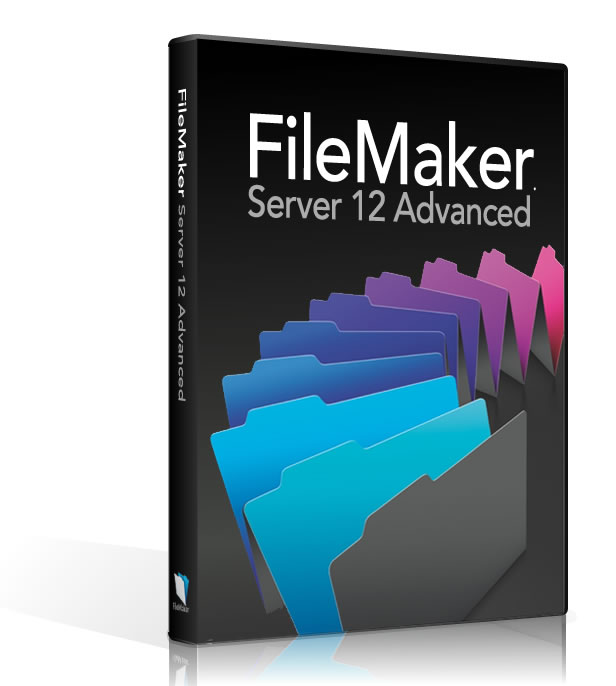
Description
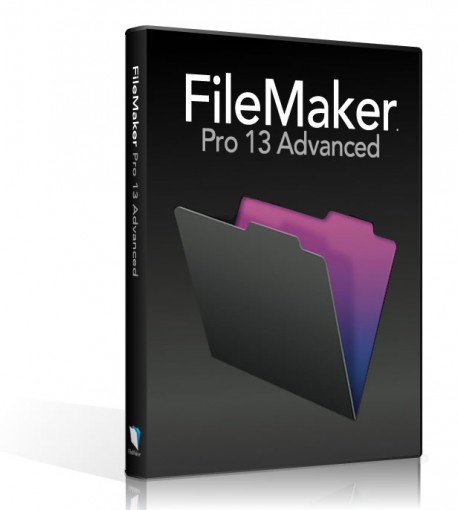
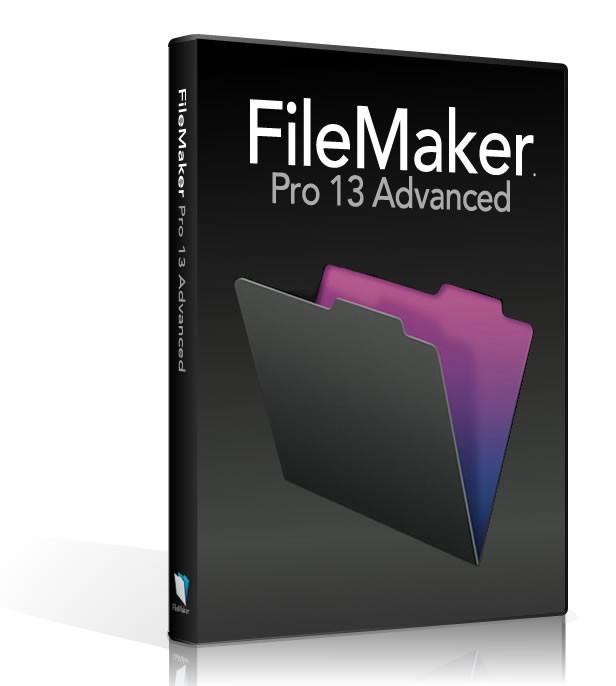
FileMaker Pro 13 Advanced includes all of the features of FileMaker Pro 13 plus a suite of advanced development and customization tools. Customize menus with just the items you want. Plus, get robust analysis capabilities, powerful debugging tools and much more - all designed to help you build more powerful, more flexible and more customized databases faster.
New Features in FileMaker 13
• Custom Themes: Modify and save changes to existing layout themes to match your exact business needs. Reuse your themes across other solutions, and share with your colleagues.
• Styles: Themes now include styles, which are sets of attributes, like colors, fonts and text size. Create your own styles or customize existing styles.
• More Inspector Attributes: Control additional design attribute including inner/outer shadows, padding, text baseline, and layout backgrounds.
• Field Picker: Create new fields and drag and drop multiple fields onto the form directly from Layout mode.
• Database Encryption: Use powerful AES 256-bit encryption to protect your data where it lives – whether it’s on a FileMaker client or hosted on FileMaker Server.
• Slide Control: Use multi-panel slide controls to manage images and other data in separate slide panels all within the same layout.
• Popovers: Group fields, links, and other information without having to move to separate layouts or windows with iOS-style popovers.
• Control Object Visibility: Control whether or not an object appears on your layout based on the results of a calculation.
• Calculated Tab Control Titles And Dialog Button Titles: Use the power of the calculation engine to specify the title of your tabs and custom dialog buttons.
• HTTP Post: Use HTTPPOST with the “Insert from URL” or “Import Records: XML Data Source” commands to transfer data to a web server or web form.
New Features- Enable Data Encryption
Set AES 256-bit encryption of your data so it's protected, no matter if it lives on FileMaker Pro, FileMaker Go or FileMaker Server. This also ensures that the security of your data is protected even if the file gets out of your control. - Custom Menus
Add, change, or delete menu items or entire menu sets with a new, streamlined interface. Specify certain custom menus to display when using an iOS device. - Kiosk Maker
Build applications where all menus are hidden. - Script Debugger:
Pinpoint problem areas in scripts and Script Triggers. Turn off Script Triggers when debugging to fine tune the troubleshooting process. - Data Viewer:
Monitor fields, variables, and calculations while troubleshooting.
- Custom Functions:
Build your own functions and copy, paste, and import them into any FileMaker database.
- Runtime Maker
Create standalone runtime solutions that don’t require FileMaker Pro.
- External Function Plug-in API
Build more robust calculations and extend database capabilities.
- Database Design Report
Run comprehensive reports on all elements of your database schema.
Compare Newer Features of
FileMaker Pro 14 Advanced
- Script Workspace
Create, edit and view your scripts and calculations all in one streamlined workspace to speed development time. - Reconnect to server
If you lose your network connection or the server goes down, FileMaker Pro automatically reconnects to FileMaker Server when it’s available again. - Button bar
Create groups of buttons you can use for navigation or as custom toolbars. - Button icons
Get 140 professionally designed icons that cover a wide variety of tasks to use in your buttons. Or use custom button icons. - Top and bottom navigation parts
These new layout parts remain static on your layout so when you scroll, the navigation is always visible. - New Specify Calculation dialog box
Increase your productivity with auto-complete and search for calculation functions. - In-field labels
Simplify your layouts by adding placeholder text or instructions inside a field. This text disappears when you type. - Color selection
The color palette displays colors that coordinate with your current theme so it’s easy to create attractive layouts. - Object component styles
Select the color of icons in control styles such as pop-up menus, drop-down lists, and calendars. Change the color of radio buttons and checkbox sets. - Layout badge tooltips
See descriptions of layout badges as you hover over them. Plus, see what calculated values are used for conditional formatting of fields, and what scripts are attached to script triggers and buttons.
Software Compatibility Matrix
|
FileMaker Pro 13 Advanced
$449 |
FileMaker Pro 12 Advanced
$369 | FileMaker Pro 13
$285 | FileMaker Pro 14 Advanced
$489 | FileMaker Server 12
$865 | FileMaker Server 12 Advanced
$2299 |
| Compatible Windows OS | XP
Vista
7
8
10 | XP
Vista
7
8
10 | XP
Vista
7
8
10 | XP
Vista
7
8
10 | Server 2003
2008
2012 | Server 2003
2008
2012 |
| Compatible Mac OS | 10.8
10.9
10.10
10.11 | 10.7
10.8
10.9
10.10
10.11 | 10.8
10.9
10.10
10.11 | 10.8
10.9
10.10
10.11 | 10.6
10.7
10.8
10.9 | 10.6
10.7
10.8
10.9 |
| License Type | Retail | Retail | Retail | Retail | Retail | Retail |
| Upgrade/Full | Full | Full | Full | Full | Full | Full |
| Architecture | 32/64Bit Intel Hardware Only | 32/64Bit Intel Hardware Only | 32/64Bit Intel Hardware Only | 32/64Bit Intel Hardware Only | 32/64Bit Intel Hardware Only | 32/64Bit Intel Hardware Only |
Tech Specs
Compatibility with Other FileMaker Versions:
FileMaker 13 is compatible with:
FileMaker Pro 12 - 14
FileMaker Pro Advanced 12 - 14
FileMaker Server 12 - 14
note: FileMaker features designed in later versions will not work in older FileMaker versions
OS Compatibility:
Filemaker 13 is compatible with:
Windows OS:
Windows 7
Windows 8
Windows 10
Windows Server 2008
Windows Server 2012
Mac OS:
Mac OS X 10.8
Mac OS X 10.9
Mac OS X 10.10
All operating systems are 64-bit only
Citrix and Terminal Services (FileMaker Pro 13 only):
Citrix XenApp 6.5
Windows Server 2012 Terminal Services
Windows 2008 R2 Terminal Services
Contents
- Software License Key
- Full Retail Package
- Installation DVD
Special Offer
Buy 2 or more and get 5% off instantly
Notes
Product Satisfaction Guarantee & Disclaimer:
This product may not be new. The product has been verified to be genuine and no longer in use by the previous owner.
We offer a Total Satisfaction Guarantee. If you are not satisfied with your purchase, for any reason, you can return your purchase within 14 days of the purchase date.
Some assistance may be required for activation of Pre-Owned products . If you have any issues activate this product please contact us.
Contents
- Software License Key
- Full Retail Package
- Installation DVD